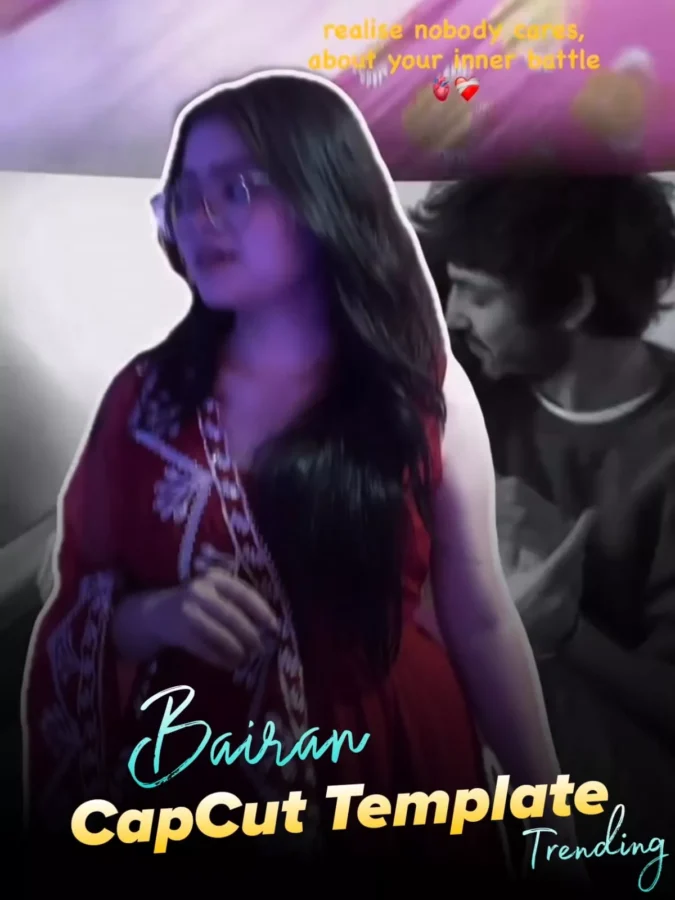
Bairan Capcut Template – A Bairan Song edit is currently going viral on social media. This type of video begins with a simple clip. Then, a flashback-like effect is suddenly shown. Then, you’ll see another type of effect, with one side showing a normal edit. Then, on the other, you’ll see a black and white effect, using only photos. Today, we’ll discuss both edits and learn how to create such an edit using a template. This will be our first article on our website. Please support our website, as we continue to bring more unique content to our website, allowing you to elevate your videos.
Breakdown Of Bairan Capcut Template
Let’s break it down completely and explain the editing you’ll see. Each video’s style is unique. We’ll explain that too. First, the video starts with a simple clip. Your video will initially be in slow motion. Then, after a few seconds, there’s a section where the video frame will be frozen, and the frozen frame will create a flashback effect in the background. This video combines video or photo clips of several couples, creating a single video. It begins in your background, starting small and expanding to encompass the entire background, achieved through masking. This has become the first viral trend.
About Second Video Editing
Let’s understand the second editing. The second editing is based entirely on a single photo. For example, we used a photo, what is in that photo? In the beginning, when our first song comes on, the right side of the photo is completely blacked out. Meaning, a black background is placed over it. Then, like this sound, the black part we used as the background automatically changes and converts to a black and white effect. This is what people want. People want a unique editing. This editing is completely unique. Then, there is an overlay of both songs on top. That is, the photo of the song. On one side, there is the first song playing, on the other side, and this one is from the second song. Then, some text can also be added there. You can also see the text; if you want to customize something, you can do it.

Only one clip will be used in this.
The video editing that I told you about earlier, in that video one clip will be used, like if you use a video then it will automatically freeze the frame from it and later it will be converted into a screenshot. The second one will be something like this, if you use just one photo in it then with the help of marketing a black background is added there. Then a black and white effect is added, so in both you just have one photo or one video ready and your rating will be completely professionally ready.
Editing Process Of This Video Editing
If you wish to create an edit using this song, here is what you will need. First and foremost, prepare your video clips. Next, you will need to utilize a template—which I have already provided right here. I have included two different types of templates; you are free to use whichever one you prefer. Finally, you will need to upload your creation to social media. It is crucial to keep this step in mind: when uploading to social media, ensure that you correctly select the appropriate trending song to accompany your video, thereby maximizing your chances of achieving excellent results.
How to Use Bairan Capcut Template
To create this video, you must have the CapCut application. If you don’t have one, install it. It’s available on the Play Store. After that, you’ll find the “Check Template” button below both templates in the article. Clicking on it will take you directly to CapCut, where you’ll see a full preview of the template. What type of template is it? What features will you see in it? Then, click on it below. Add the clips I mentioned, indicating how many clips are needed. Click Next, and this will create a final preview of your video. When you think it’s perfect, set it and export it. Now, here’s another thing: If you want some more unique editing options, go directly to the CapCut application and select the “Template” option. Below, you’ll find the “Template” option. From there, you can select the best template for you.